































Quick Answer
Corporate slide backgrounds serve as the visual anchor for your narrative, influencing audience attention and retention. According to the Nielsen Norman Group, visual clutter significantly increases cognitive load, meaning your background must prioritize content legibility over decoration.
Top 3 Takeaways for 2026:
- Embrace “Flat 2.0”: Use subtle depth and soft shadows rather than complex textures to maintain readability.
- Accessibility First: Ensure a 4.5:1 contrast ratio between your background and text, a standard emphasized by Microsoft Design guidelines.
- Master Slide Consistency: Apply backgrounds globally via the Slide Master to reduce file size and ensure brand alignment.
A presentation’s background is more than just wallpaper; it is the stage upon which your business case is built. In 2026, the shift in corporate communication is moving away from heavy imagery and toward “intelligent minimalism”—design that supports data visualization rather than competing with it. Whether you are a startup founder pitching to investors or an enterprise director delivering a quarterly review, the right backdrop sets the tone before you speak a single word.
Many professionals struggle to find the balance between “boring white” and “distracting chaos.” This guide explores the best free and premium sources for corporate slide backgrounds in 2026, helping you choose designs that enhance your authority without overshadowing your message.
The Psychology of Professional Backgrounds
Why does the background matter? It dictates the “visual volume” of your presentation. A loud background forces the audience to work harder to read the text, leading to faster fatigue. In our 13+ years of design experience at PitchWorx, we have found that clients who switch from texture-heavy backgrounds to clean, high-contrast systems see an immediate improvement in audience engagement during Q&A sessions.
The goal is to reduce “chart junk”—a term coined by Edward Tufte—starting with the canvas itself. In 2026, this means utilizing soft gradients, ample negative space, and strategic color blocking that guides the eye toward the data, not the corners of the slide.
Top Trends for 2026 Corporate Backgrounds
If you are updating your corporate template this year, look for these aesthetic shifts that signal modernity and professionalism:
- Glassmorphism (Refined): Frosted glass effects used sparingly in headers or sidebars to create depth without clutter.
- Dark Mode Optimization: Deep navies and charcoals are replacing pure black, reducing eye strain in low-light boardroom settings.
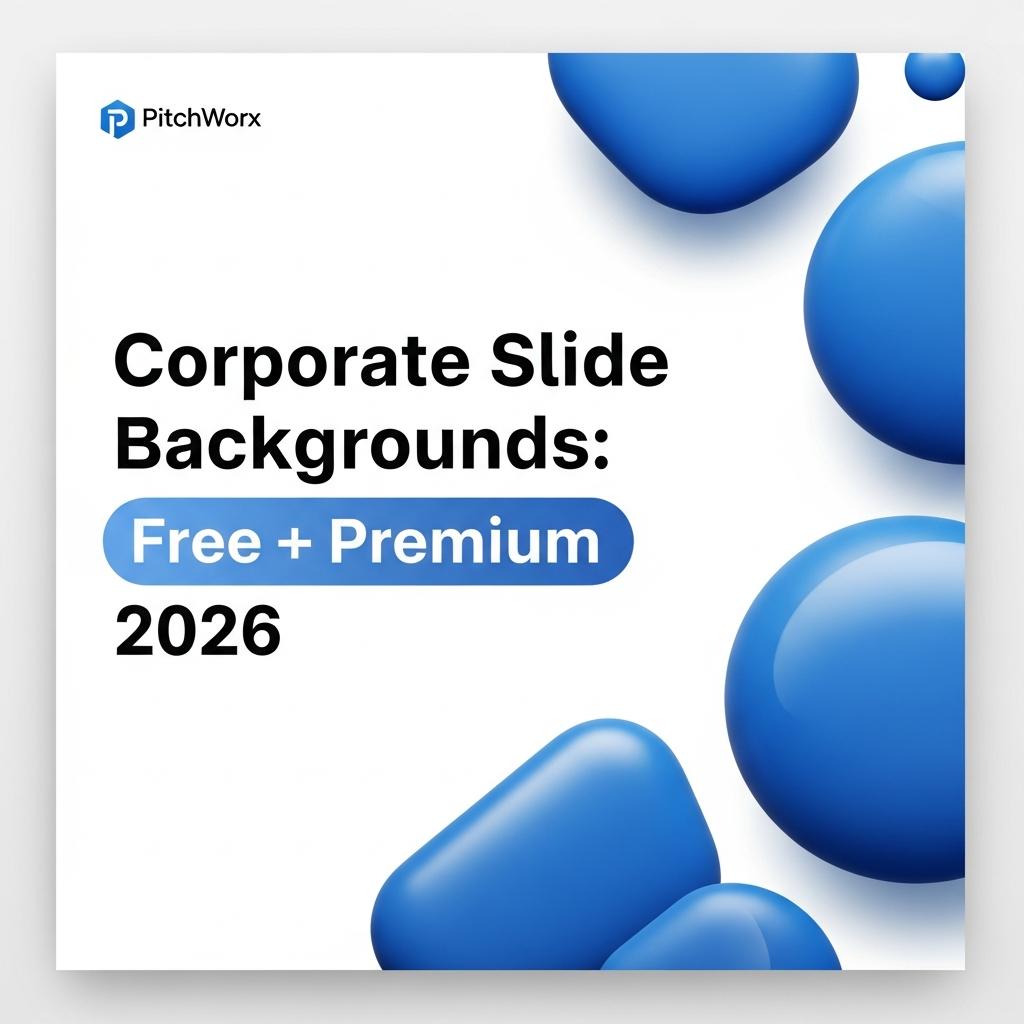
- Abstract Geometry: Using brand colors in large, soft geometric shapes to frame content areas rather than fill them.
Free vs. Premium: Where to Source in 2026
Finding quality assets is easier than ever, but vetting them for corporate use is the challenge. Here is a breakdown of reliable sources.
Best Free Sources
- Unsplash (Business Collections): Excellent for photographic textures, but requires heavy editing (opacity reduction) to be text-ready.
- PitchWorx Templates: We offer specific free presentation templates designed with editable master slides.
- Google Fonts (Icons & Patterns): Often overlooked, their pattern library offers subtle SVG backgrounds that scale infinitely without pixelation.
Best Premium Sources
- Envato Elements: High volume of corporate decks. Best for agencies needing variety.
- Shutterstock / Adobe Stock: The gold standard for vector backgrounds that can be disassembled and recolored to match brand guidelines.
- Creative Market: Offers “boutique” style backgrounds often created by independent designers, ideal for niche industries like lifestyle or wellness brands.
Common Mistakes to Avoid
The “Watermark” Trap
One of the most damaging mistakes we see is placing a high-opacity logo on every single slide background. While branding is important, a repetitive logo creates visual noise. Instead, place a small, discreet logo in the bottom right corner (the “dead zone” of visual scanning) or use the logo only on title and transition slides.
Step-by-Step: Customizing a Background in PowerPoint
To ensure your file size remains manageable and your design consistent, never paste a background image directly onto a slide. Use the Master Slide.
- Open Master View: Go to View > Slide Master.
- Select the Parent Slide: Scroll to the very top large slide. Changes here apply to all layouts.
- Insert Background: Right-click the background > Format Background > Picture or texture fill.
- Adjust Transparency: If using a photo, increase transparency to 85-95% to ensure black text is readable on top.
- Close Master View: Return to Normal view. Your background is now locked and unmovable during editing.
If you need assistance building a robust master template, our PowerPoint design services specialize in creating rigid, unbreakable templates for enterprise teams.
Mini Case Study: FinTech Rebranding
The Challenge: A mid-sized FinTech firm was using a dark blue circuit-board background for their Series B pitch deck. While “tech-focused,” the busy lines made their financial projection charts unreadable.
The Fix: The PitchWorx team stripped the background. We replaced the circuit board image with a solid white canvas and used the “circuit” motif only as a subtle, light grey footer element (5% opacity).
The Outcome: The data became the hero. The clean background allowed for the use of accent colors in the charts, making the growth trajectory instantly visible. The client successfully secured funding, citing the “clarity of the narrative” as a key feedback point from investors.
Checklist: Is Your Background Corporate-Ready?
Run your chosen background through this 5-point check before finalizing your deck in 2026:
- ✔ Contrast: Can you read size 12 text easily against it?
- ✔ Resonance: Does the style match the industry (e.g., Clean for Medical, Dynamic for Sports)?
- ✔ File Size: Is the background image optimized (under 500kb)?
- ✔ Safe Zones: does the design leave clear margins for content?
- ✔ Consistency: Is it applied via the Master Slide?
Frequently Asked Questions
What is the best resolution for slide backgrounds in 2026?
Standard Full HD (1920×1080) is the minimum requirement for most corporate displays. However, with the rise of 4K monitors in boardrooms, using 3840×2160 images ensures crispness without pixelation on large screens.
Should I use a dark or light background?
Light backgrounds (dark text on light) are best for brightly lit rooms and printed handouts. Dark backgrounds (light text on dark) are superior for dimly lit conference halls or webinars, as they reduce eye strain and make colors pop.
Can I use my company logo as a background?
It is generally not recommended to use a full-sized logo as a background. It competes with your content. Instead, use a subtle watermark or pattern derived from your logo’s geometry at very low opacity (3-5%).
How do I remove a background from a picture in PowerPoint?
Select the image, go to the Picture Format tab, and click Remove Background. PowerPoint will auto-detect the subject. You can refine the selection using “Mark Areas to Keep” or “Mark Areas to Remove.”
What color is best for financial presentations?
Blue remains the most trusted color in finance. For 2026, consider deep shades like Navy or Sapphire combined with plenty of white space to convey stability, trust, and clarity.
Turn Your Complex Ideas into a Captivating Presentation
PitchWorx helps founders and enterprise teams convert raw content into high-impact visual stories.